
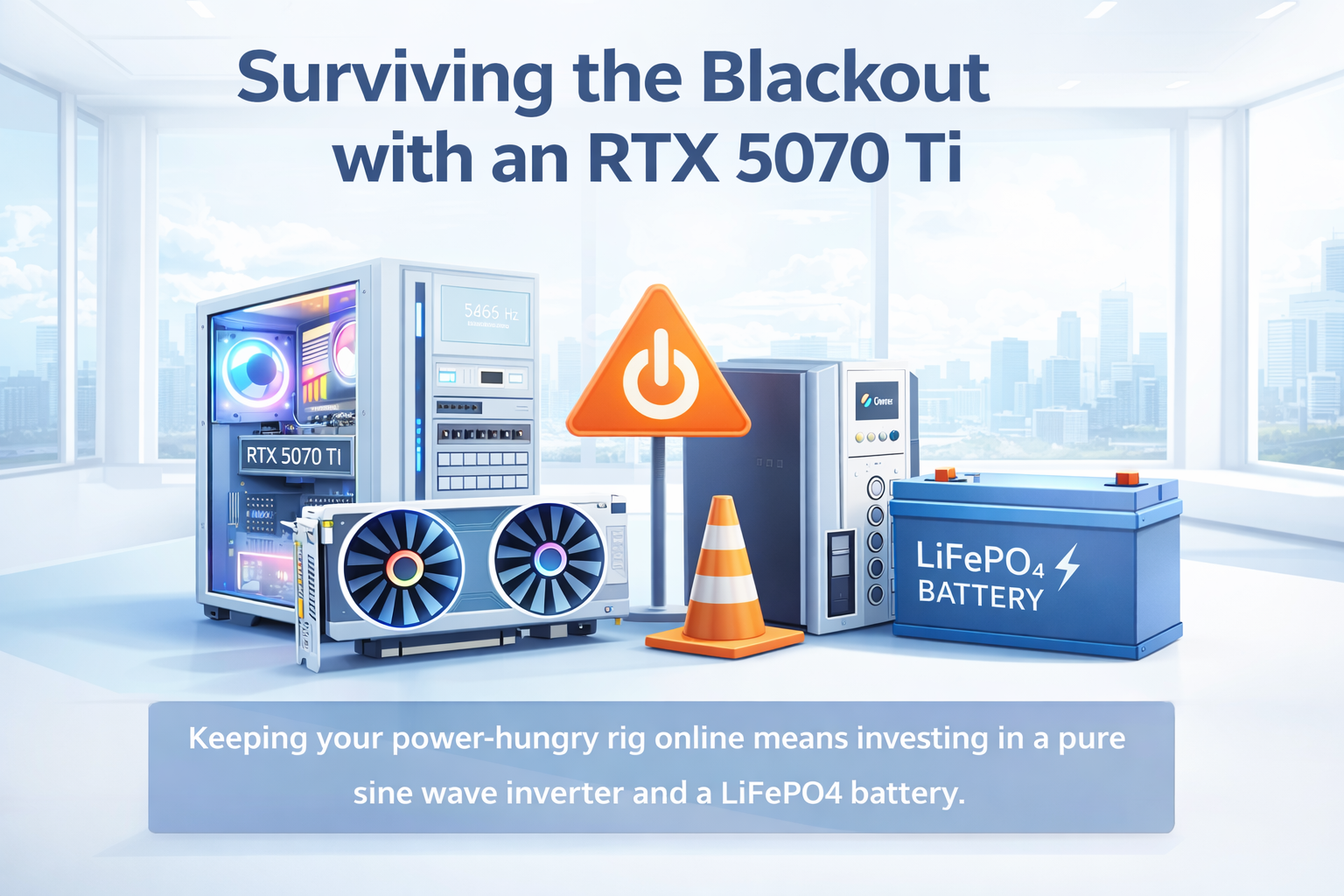
Your dream setup has one weakness.
You finally built the machine you wanted.
A powerful CPU. An RTX 5070 Ti. Fast storage. Multiple monitors. Enough RGB to light up the room even when the city does not.
Then the power goes out.
That is the moment every developer with a high-end setup discovers the uncomfortable truth: a modern workstation is not just expensive to build. It is expensive to keep alive when the grid becomes unreliable.
A serious PC under blackout conditions is not a convenience problem. It is a power planning problem.
Why a high-end rig behaves badly with cheap backup power.
A lot of people think backup power is simple. Buy an inverter, connect a battery, and continue working.
That logic fails fast when your system includes a modern desktop PSU.
Most quality power supplies use Active PFC. That is great under normal conditions, but it also means they react badly to poor-quality input power. If you feed them a modified sine wave or stepped approximation instead of a true sine wave, you may get:
- buzzing
- instability
- heat buildup
- random shutdowns
- reduced PSU lifespan
In other words, a cheap inverter can turn your premium hardware into a very expensive experiment.
If you want a stable setup, a pure sine wave inverter is not a luxury. It is the minimum requirement.
The battery chemistry that actually makes sense.
For serious home backup in 2026, LiFePO4 is the practical choice.
Compared to traditional lead-acid batteries, it offers several major advantages:
- longer cycle life
- deeper usable discharge
- lower maintenance
- lower long-term cost per cycle
- more predictable performance
Lead-acid batteries are still common because they are cheaper upfront, but they punish you later. They are heavier, less efficient, and much less forgiving when discharged too deeply on a regular basis.
LiFePO4 is the battery type that feels expensive once and sensible every day after that.
The math matters more than the marketing.
Backup power stops being abstract the moment you calculate runtime.
A setup with an RTX 5070 Ti, a modern Intel or AMD CPU, and two monitors can easily draw 300W to 400W under moderate real-world work. That is not gaming load. That is regular developer load with browsers, IDEs, Docker, communication apps, and occasional builds.
Now take a typical 12.8V 100Ah LiFePO4 battery:
- nominal energy: about 1280Wh
- after inverter losses: roughly 1050Wh to 1100Wh usable in practice
That gives you approximately:
- 2.5 to 3 hours of moderate work at 350W to 400W
- 4 to 5 hours if you reduce load aggressively
- much less if you run heavier GPU or CPU workloads
This is why blackout planning is not about buying random hardware. It is about understanding wattage, efficiency, battery chemistry, and realistic usage.
The easiest way to extend runtime.
Most people think they need a bigger battery first.
Often they need a smaller power draw first.
If your goal is to stay productive during outages, the cheapest runtime upgrade is usually reducing consumption:
- lower monitor brightness
- use one display instead of two
- disable unnecessary RGB
- avoid heavy builds during outage windows
- cap GPU power if possible
- switch to integrated graphics for light work if your setup allows it
- close background apps that constantly wake CPU cores
A high-end PC can burn through battery capacity much faster than most people expect. Every unnecessary watt becomes visible when the lights are out.
What developers in unstable power conditions actually need.
A practical blackout setup is usually built around four things:
- Pure sine wave inverter
- LiFePO4 battery
- A realistic estimate of your actual wattage
- A plan for reduced-load work mode
Without that fourth part, even expensive backup hardware gets wasted.
You do not need your rig to perform at maximum power during an outage. You need it to keep you online, coding, communicating, and shipping.
That is a different target.
Final thought.
A workstation with an RTX 5070 Ti is powerful, but blackout resilience is not about peak specs. It is about system balance.
The strongest backup setup is not the one with the biggest marketing numbers. It is the one that matches your real load, uses proper power quality, and gives you enough runtime to stay useful when the grid fails.
If you plan properly, your machine stays a workstation.
If you do not, it becomes an expensive heater with fans.
Soft CTA.
Building products is already hard enough without fighting infrastructure, scheduling, and client flow on top of it.
If you want a cleaner way to present your work and handle bookings, try Meetfolio.