
Understanding Frontend Performance and Core Web Vitals
Frontend performance is a critical factor for user experience and search engine ranking. It affects how fast a website loads, how quickly it becomes interactive, and how stable the content appears during loading. Google introduced Core Web Vitals as a set of standardized metrics to help developers measure and improve these aspects.
What Are Core Web Vitals?
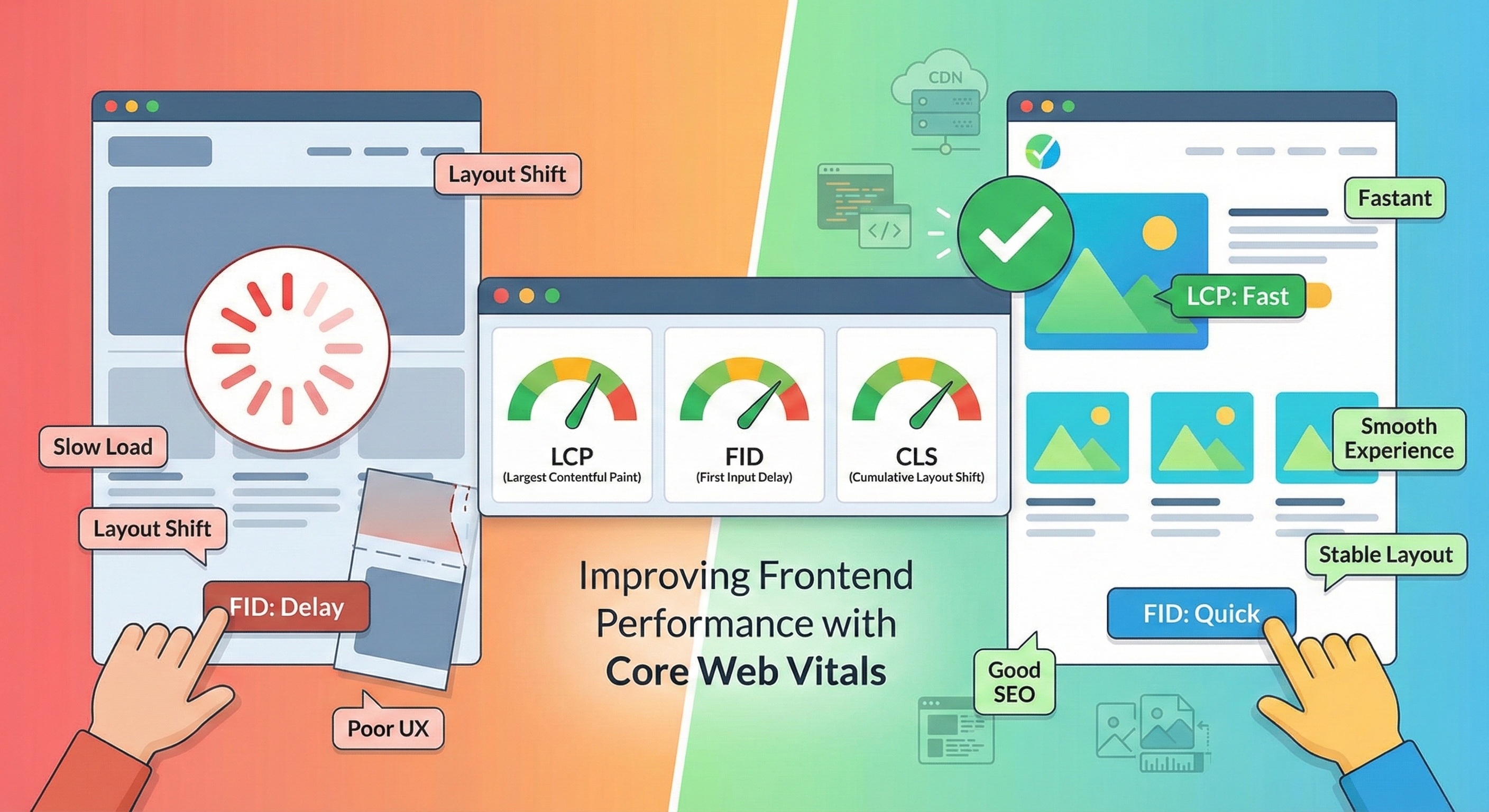
Core Web Vitals are three key metrics:
- Largest Contentful Paint (LCP): Measures loading performance. It marks the time when the largest visible content element in the viewport is fully rendered.
- First Input Delay (FID): Measures interactivity. It tracks the delay between a user’s first interaction and the browser’s response.
- Cumulative Layout Shift (CLS): Measures visual stability. It quantifies unexpected layout shifts during page loading.
These metrics focus on the user’s real experience instead of synthetic benchmarks.
Why Frontend Performance Matters
A fast and responsive site:
- Improves user satisfaction
- Reduces bounce rates
- Enhances SEO rankings
- Increases conversions and engagement
Slow load times or unstable layouts frustrate users and can drive them away.
Practical Tips to Improve Core Web Vitals
1. Optimize Largest Contentful Paint (LCP)
- Use efficient image formats: Prefer WebP or AVIF over traditional JPEG or PNG.
- Lazy-load offscreen images: Load images only when they enter the viewport.
- Minimize render-blocking resources: Defer or async JavaScript and CSS to speed up rendering.
- Use a Content Delivery Network (CDN): Deliver resources faster by serving them from geographically closer servers.
- Preload important assets: Use
<link rel="preload">to prioritize critical resources.
2. Reduce First Input Delay (FID)
- Minimize JavaScript execution time: Split code into smaller chunks and eliminate unused code.
- Use web workers: Offload heavy computations to background threads.
- Avoid long tasks: Break up lengthy scripts to keep the main thread free.
3. Improve Cumulative Layout Shift (CLS)
- Set size attributes for media: Specify width and height for images and videos to reserve space.
- Avoid inserting content above existing content: Add new UI elements below the fold or use placeholders.
- Use font-display strategies: Prevent invisible text during font loading.
Tools to Measure and Monitor Performance
- Google PageSpeed Insights: Provides a detailed report on Core Web Vitals and suggestions.
- Lighthouse: An open-source tool integrated in Chrome DevTools for auditing performance.
- Web Vitals JavaScript library: Allows real-time monitoring of Core Web Vitals on your site.
Final Thoughts
Improving frontend performance with Core Web Vitals is an ongoing process. It requires attention to detail and regular testing. Following best practices will ensure your users have a smooth and engaging experience.
If you want a simple, effective way to showcase your personal business online with great performance, consider using Meetfolio. It offers personal business card pages and booking calendar setup with clean, fast-loading designs. Visit https://meetfolio.app to get started today.
Want a fast, professional personal business page with booking calendar? Try Meetfolio for easy setup and clean design at https://meetfolio.app.